
The metric library is in Superlytix
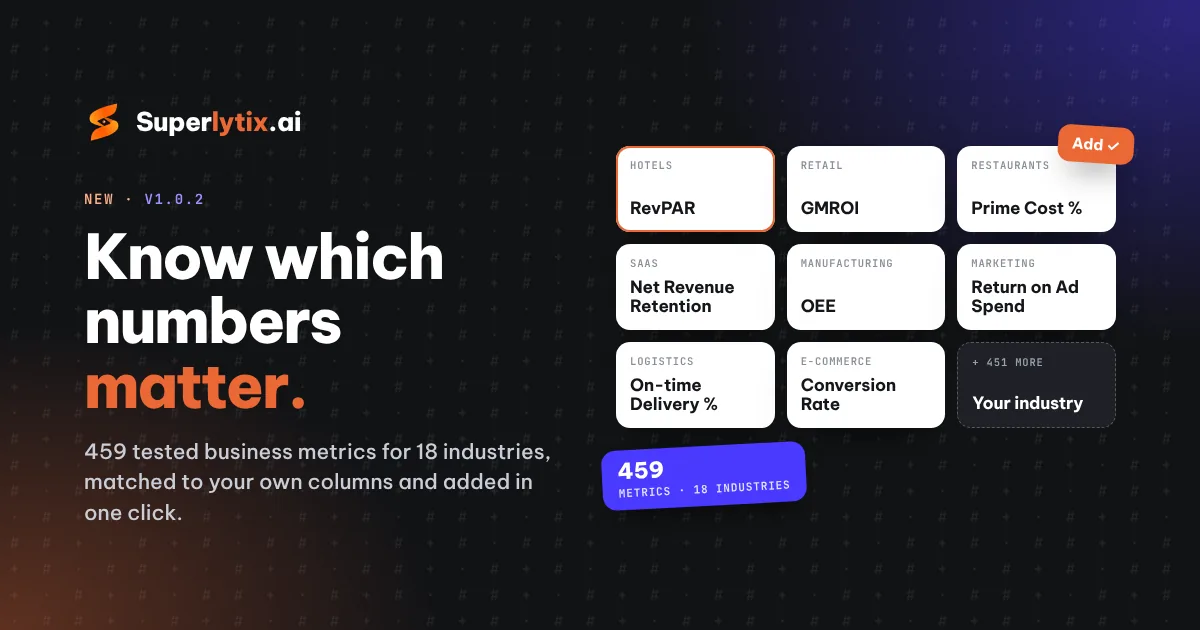
Not sure which numbers to track? Superlytix now comes with a library of 459 business metrics for 18 industries: retail, e-commerce, restaurants and cafés, hotels, logistics, fleet, manufacturing, healthcare, education, real estate, SaaS and more. The essential ones are marked, each with a short reason why it matters.
How it works
- On the Questions step, Superlytix picks the industry that fits your data and shows the metrics your columns can already build, essential ones first.
- Click Add. The metric is checked on your own data and comes with its calculation steps and an example, like every other number in your report.
- Missing a column? Match columns lets you pick the right one, and the metric can then be added.
- Metrics that use other metrics bring them along, so Gross Margin % adds Revenue, Cost of Sales and Gross Profit for you.
Even more, with Specialized Super Intelligence
On paid plans, Find more metrics for this data goes further. Specialized Super Intelligence reads your column names and summaries (never your rows), matches columns the rules missed, and writes metrics made for your business, like the share of orders with a discount. Every suggestion is checked on your real data before you see it, and nothing goes into your report until you click Add.
What each plan gets
- Free: up to 5 library metrics per project, so you can try it on your own data.
- Single Use and Plus: every metric for your industry, plus the business basics: finance, marketing, HR and customer service.
- Pro: all 18 industries, plus your own metric book: rename a metric, change how it's calculated, hide what you never use, or write your own once. It works in every project, whatever your columns are called.
Also in this update
- Suggested questions that fit your data. They now spread over different metrics (counts, averages, shares, amounts), not one number by every column, and on paid plans Specialized Super Intelligence writes them for your business.
- Every metric you pick shows in your report. Metrics you add on the Questions step get their own chart, even when no question asks for them.
- Amounts in several currencies are only compared per currency, and Check data tells you.
- Map coordinates (latitude, longitude) are read correctly and never added up.
The library works with our built-in rules, so it's on the Free plan too; finding more with Specialized Super Intelligence comes with paid plans. See the plans.